“My WordPress site is fine. It just works.”
This is the most common thing I hear from business owners before they contact us for emergency help.
The site that “just works” has not had a backup in 11 months. It is running WordPress 5.9 when the current version is 7.1. It has 13 plugins with pending updates. The admin password is “admin@123”. And there is a PHP error showing in the debug log that nobody has looked at.
“Just works” is not a maintenance strategy. It is the absence of one.
This post is for business owners who have a WordPress site but are not quite sure what maintaining it actually involves — or why it matters.
First: what maintenance is NOT
WordPress maintenance is not:
- Changing your website’s design or adding new pages
- Creating blog posts or updating your content
- SEO work or Google Ads management
- Something your hosting company does for you automatically
Hosting companies keep the server running. They do not update your plugins, check your backups, scan for malware, or optimise your database. That is your responsibility — or whoever you pay for maintenance.
What WordPress maintenance actually covers
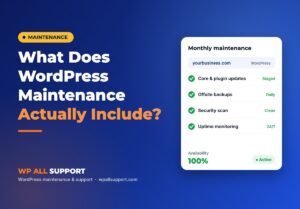
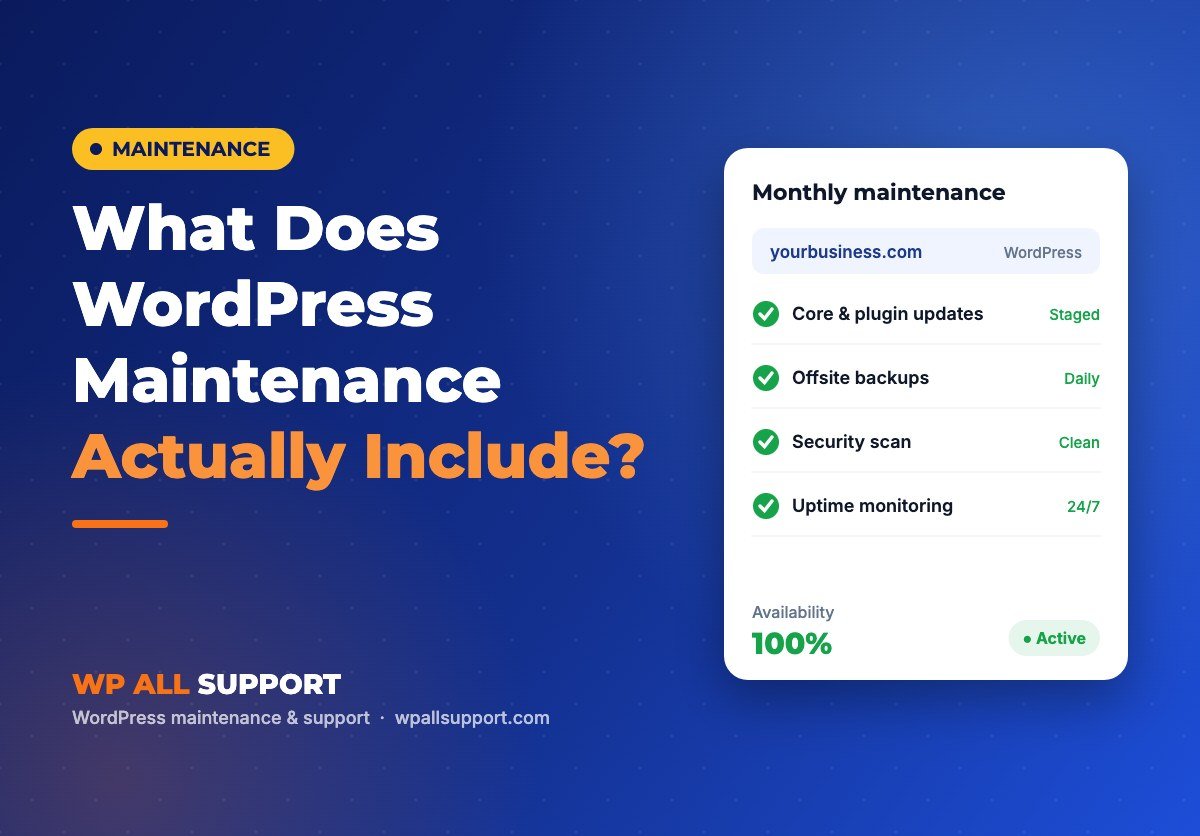
WordPress core updates
WordPress releases major updates 2–3 times per year and minor security updates more frequently. Each update patches security vulnerabilities. Running an outdated version is like leaving your shop door unlocked — not immediately dangerous, but only a matter of time.
What goes wrong when you skip it: Bots scan the internet for sites running specific old WordPress versions and exploit known vulnerabilities automatically. This is not targeted hacking — it is automated.
Plugin and theme updates
The average WordPress site runs 15–25 plugins. Each one is a separate software component that needs updating. Outdated plugins are responsible for 55.9% of all WordPress hacks, according to WPScan data.
What goes wrong: A plugin with a known security flaw gets auto-exploited. Or an untested plugin update breaks your contact form, checkout, or entire homepage — which you do not discover until a client mentions it three days later.
What proper maintenance includes: Updates tested on a staging copy of your site first, then pushed to live one at a time with a rollback plan.
Backups
A backup is only useful if it works and if it is stored somewhere other than your own server. Most backup plugins store files on the same server — which means a server failure or hack destroys both your site and its backup.
What proper maintenance includes: Daily automated backups stored to an offsite location (Google Drive, Amazon S3, or Dropbox). The backup is tested periodically by actually restoring it to a staging environment.
Uptime monitoring
You cannot know your site is down unless someone tells you — and that someone is usually a potential customer who gave up and went to a competitor.
What proper maintenance includes: A monitoring service that checks your site every 1–5 minutes and sends you an SMS or WhatsApp alert the moment it goes down. Response time: within minutes, not days.
Security scanning and malware removal
WordPress sites are scanned by automated bots constantly. If one finds a vulnerability, malware gets injected. The malware might redirect visitors to a spam site, show ads you did not put there, steal form data, or use your server to send spam emails.
Most hacked sites do not know they are hacked: The site appears to work normally for the owner while visitors on mobile devices (or coming from Google) are redirected elsewhere.
What proper maintenance includes: Weekly automated security scans, immediate alerts on any infection, and malware cleanup as part of the service.
Performance monitoring
Page speed affects your Google ranking, your bounce rate, and your conversion rate. A site that took 2 seconds to load in January can take 5 seconds by July as you add plugins, upload images, and let the database grow.
What proper maintenance includes: Monthly PageSpeed checks, database cleanup, image compression audits, and caching configuration.
SSL and domain expiry checks
An expired SSL certificate shows visitors a red warning screen. An expired domain makes the site completely unreachable. Both can happen without you realising — the renewal emails go to spam.
What proper maintenance includes: Alerts 30 days before SSL and domain expiry, with support to renew if needed.
DIY vs professional maintenance: what the comparison looks like
| Task | DIY (you do it) | Semi-managed hosting | WP All Support |
|---|---|---|---|
| Core WordPress updates | Manual, when you remember | ✓ | ✓ |
| Plugin updates (staged) | ✗ | ✗ | ✓ |
| Daily offsite backups | Needs setup + monitoring | ✓ | ✓ |
| Uptime monitoring (< 5 min) | ✗ | ✗ | ✓ |
| Security scanning | ✗ | Basic | ✓ |
| Malware removal (included) | ✗ | Paid extra | ✓ |
| Performance monitoring | ✗ | ✗ | ✓ |
| SSL/domain expiry alerts | ✗ | ✗ | ✓ |
| Someone to call when it breaks | ✗ | Ticket queue | ✓ |
How much time does DIY maintenance take?
If you decide to handle it yourself, here is a realistic time estimate:
- Plugin and core updates: 30–60 min per month (more if something breaks)
- Backup setup and monitoring: 2–3 hours to set up, 30 min/month to check
- Security scanning setup: 1–2 hours, then 30 min/month to review reports
- Performance checks: 1 hour per month
- Dealing with a hacked site: 4–20 hours, plus hosting support calls
Total: 4–8 hours per month when everything goes well. 20+ hours if anything goes wrong.
Whether that is worth it depends on how much your time costs. For most business owners we talk to, it is not.
💬 A client’s words: “I used to spend every Sunday doing WordPress updates and praying nothing broke. Now I get a monthly report and I do not think about the website at all. That is what I paid for.”
What does it cost to get this wrong?
A single hack incident costs:
- Emergency cleanup: $100–300 depending on severity
- Lost business during downtime: varies, but for an ecommerce site, hours matter
- Google blacklisting: search traffic can drop 90% if Google detects malware
- Customer trust: hard to quantify, impossible to fully recover
A professional maintenance plan costs $49–199 per month depending on your site. The math is straightforward.
Is your site being maintained right now?
The fastest way to find out is to get it checked. We offer a free WordPress site audit — we look at your current backup situation, update backlog, security posture, and speed performance. You get a written report, no sales call required.
Get your free WordPress site audit
We check your site and send a written report within 4 hours.
No cost. No sales call. Just the facts about your site.
Published by WP All Support. We manage WordPress maintenance for 40+ business owners. info@wpallsupport.com