The WordPress maintenance market has a problem: almost any freelancer can call themselves a “maintenance service” while doing nothing more than clicking Update All once a month and calling it done.
Clicking Update All on a live site without testing is not maintenance — it is one of the ways sites break. Real maintenance is staged updates, verified backups, security monitoring, uptime tracking, and someone who actually knows what each plugin does on your specific site.
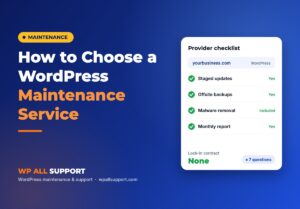
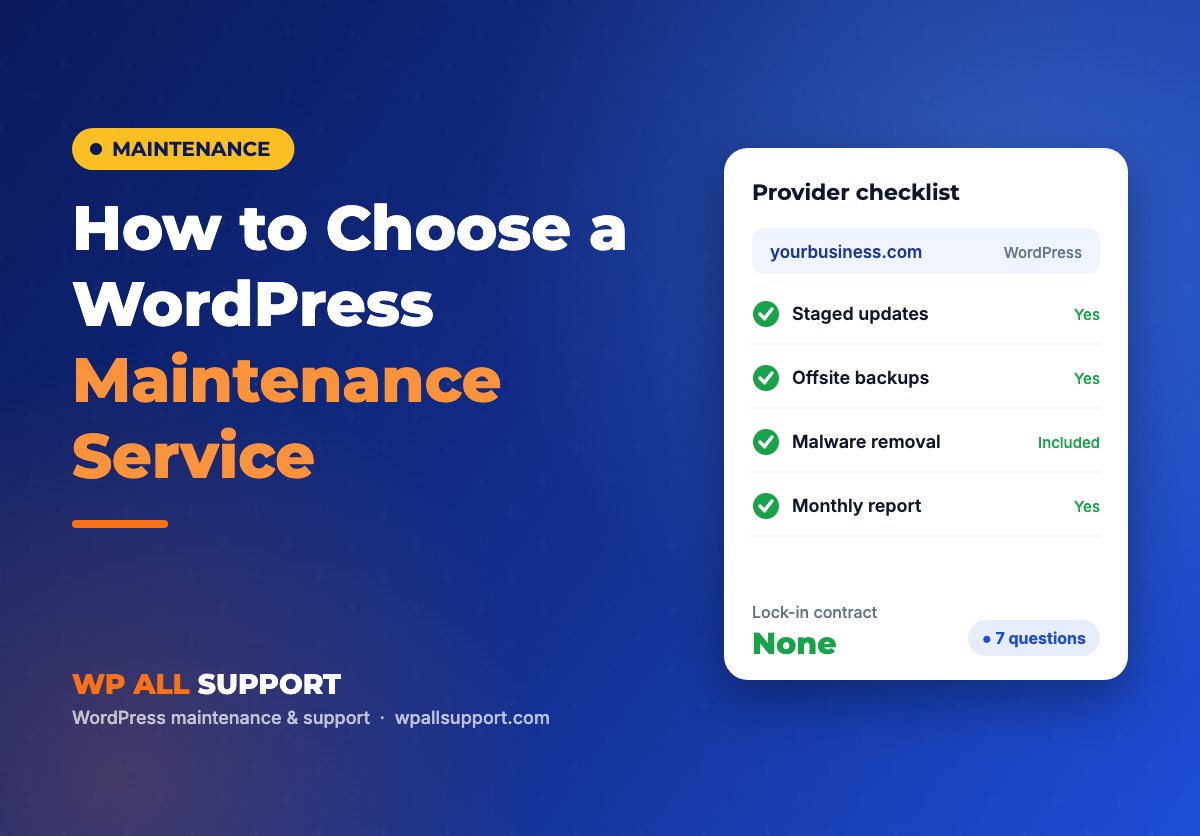
Here are seven questions that will quickly separate a real maintenance partner from someone who is reselling a cheap monitoring plan with a premium label on it.
Question 1: How do you handle plugin updates?
Wrong answer: “We update everything as soon as updates are available.”
Right answer: “We test updates on a staging copy of your site, then push to live one at a time. If something breaks, we roll back and investigate before proceeding.”
Staging is non-negotiable for any serious maintenance service. If the person you are talking to does not have a staging workflow, they are updating your live site and hoping for the best. This is why sites break after maintenance.
Question 2: Where are my backups stored?
Wrong answer: “We use your hosting provider’s backup system.” Or: “Backups are stored on your server.”
Right answer: “Daily automated backups to an offsite location — Google Drive, Amazon S3, or Dropbox. Stored separately from your hosting account so a server failure does not destroy the backup too.”
Backups stored on the same server are not backups. They are a false sense of security. A server failure, a hack, or an account suspension wipes your backup along with your site.
Question 3: What is your response time when something breaks?
Wrong answer: “We will get back to you within 48 hours.” Or: “Email us and we will look at it.”
Right answer: “We monitor uptime every 5 minutes. If your site goes down, we get an alert immediately and investigate within the hour. Emergency issues are handled same-day.”
A maintenance service that responds in 48 hours is not a maintenance service for a business website. If your checkout is down for 48 hours, you have lost real customers.
Question 4: Does malware removal cost extra?
Wrong answer: “Malware cleanup is available at an additional cost.” Or: “We can quote you for that separately.”
Right answer: “Malware cleanup is included in the maintenance plan. If your site gets infected while we are managing it, we fix it as part of the plan.”
If a maintenance service charges extra for malware cleanup, their incentive structure is wrong. You want a service whose interest is to prevent hacks, not one that profits when they happen.
Question 5: Will you give me a report of what you actually did?
Wrong answer: “We do everything quietly in the background.” Or: “You can just check that the site is working.”
Right answer: “You get a monthly maintenance report listing every update applied, every backup verified, every security scan result, and any issues found and fixed.”
If you cannot see what your maintenance service does, you are paying for a black box. A professional service documents every action. This also protects you if something goes wrong — you have a record of what was changed and when.
Question 6: How long have you been maintaining WordPress sites?
This is a simple experience filter. WordPress maintenance requires knowing what each plugin does, which combinations break, how specific hosts behave, and how to diagnose a white screen at 2am. That knowledge takes years.
What to look for: Someone who has maintained WordPress sites specifically, not just built them. Building and maintaining are different skills. Ask how many sites they currently manage and what the longest-running client relationship is.
Question 7: What happens if I want to cancel?
Red flags: Annual contracts that lock you in. Fees to export your data. Proprietary tools that create dependency.
What to look for: Month-to-month billing. No lock-in. Your site stays yours. Your backups are yours. An honest service is confident enough in the value it delivers that it does not need to trap you.
What WP All Support answers to each question
| Question | Our answer |
|---|---|
| Plugin update process | Staged on a copy of your site, pushed live one at a time with rollback ready |
| Backup storage | Daily backups to Google Drive (offsite). 30-day retention. |
| Response time | Uptime monitored every 5-10 mins. Hour-level response for critical issues. |
| Malware removal | Included in all plans. No extra charge. |
| Monthly report | Sent on the 1st of every month. Update log, scan results, uptime stats. |
| Experience | 12+ years in WordPress. Currently managing 40+ sites. |
| Cancellation | Month-to-month. Cancel any time. Your site and backups remain yours. |
See what is included in each plan
Plan starts from $49/mo depending on your website. Request quote for more details.
Published by WP All Support. WordPress maintenance for Indian and foreign business owners. info@wpallsupport.com